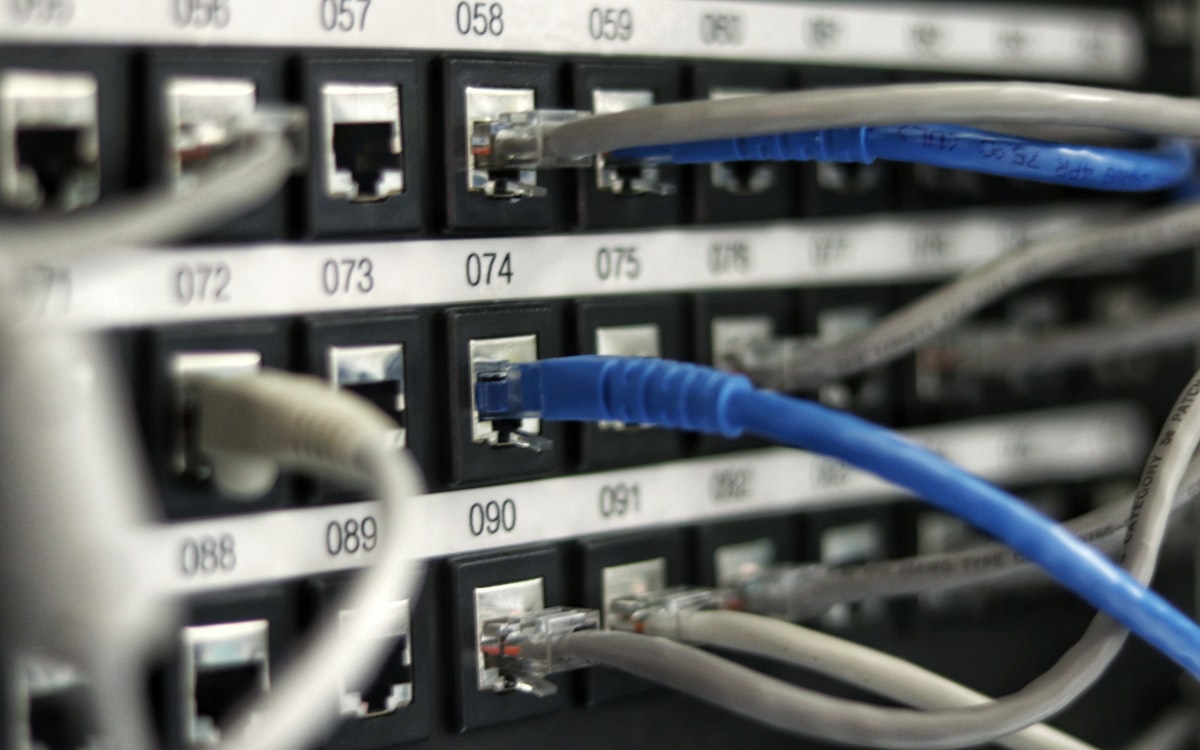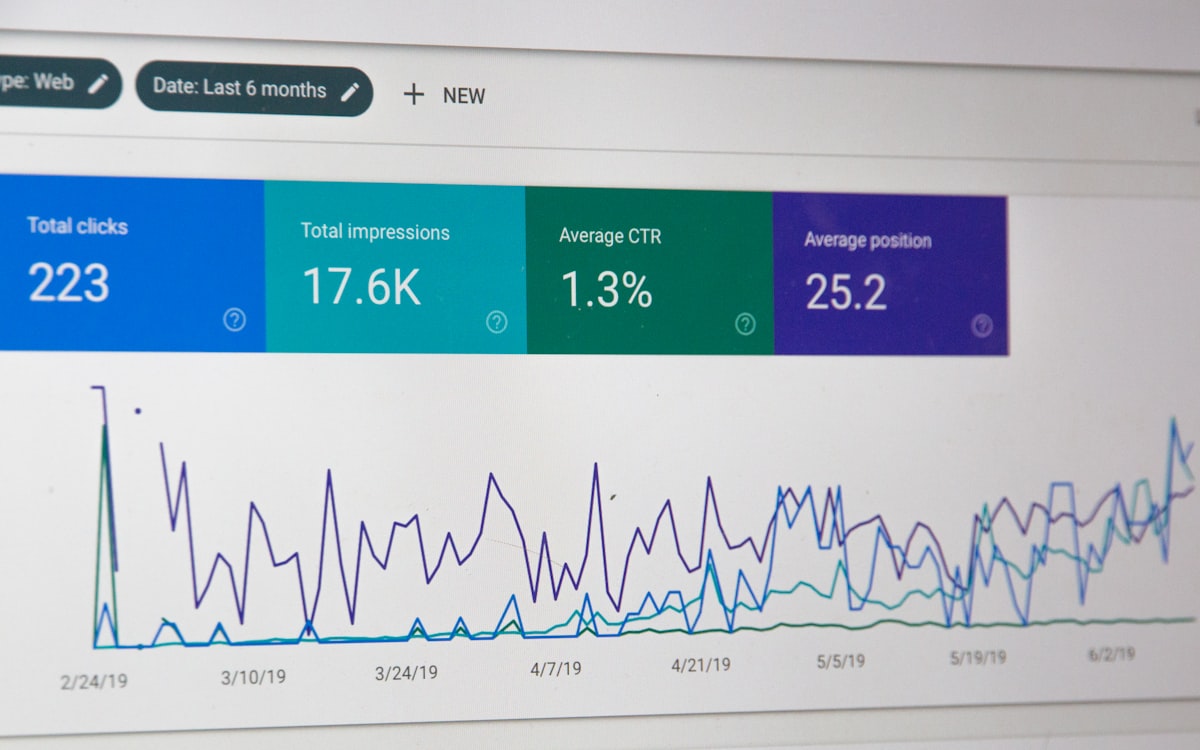
Consumer specifications and business specifications look similar on paper. The difference shows up in year two — in serviceability, docking, warranty and the cost of downtime.
Every hardware refresh starts with the same question: what should we actually buy? The temptation is to compare the headline specification — processor, memory, storage — and pick whichever machine offers the most of each for the money. On a spreadsheet that looks rational. In practice it is the reason so many organisations end up replacing devices far sooner than they planned.
Specification is only half the decision
Two laptops can carry an identical processor and the same amount of memory and still behave completely differently over a three-year life. What separates them is everything the specification sheet does not list: the quality of the chassis and hinge, whether the battery and storage can be replaced without sending the unit away, whether there is a docking standard that will survive the next model year, and what the warranty actually promises when something fails.
For a business, the cost of a device is not the purchase price. It is the purchase price plus the hours lost when it is unavailable. A machine that is cheaper by a small margin but takes a week to repair has already cost more than the difference.
What to look at instead
- Serviceability. Can memory, storage and the battery be replaced on site? This single factor often decides whether a fault means an afternoon or a fortnight.
- Docking and peripherals. A consistent docking standard across the fleet keeps desk setups interchangeable and avoids a drawer full of incompatible adapters.
- Warranty terms. Understand the response commitment, whether it is on site, and how long the model will be supported.
- Fleet consistency. Fewer models means fewer images, fewer driver sets and fewer surprises for whoever supports them.
The right specification is the one that matches how the machine will actually be used — and that stays supportable for as long as you intend to keep it.
Matching the device to the role
A finance team working in spreadsheets and a design team working in creative applications do not need the same machine, and buying a single specification for both means overspending on one group and frustrating the other. Grouping users into two or three profiles — general office, power user, mobile or field — and specifying against each profile is usually more economical than a single standard.
The same logic applies to displays, docking stations and peripherals. These are frequently treated as an afterthought, yet they have more effect on daily comfort and productivity than a marginal processor upgrade.
Plan the refresh, do not react to it
Hardware that is replaced reactively — only once it fails — produces unpredictable costs and unpredictable downtime. Keeping a simple record of what was purchased and when makes it possible to phase replacements, negotiate better, and avoid the situation where a large part of the fleet reaches end of life in the same quarter.
 KK IT Solutions Team
IT infrastructure, hardware supply and electronic security
KK IT Solutions Team
IT infrastructure, hardware supply and electronic security